

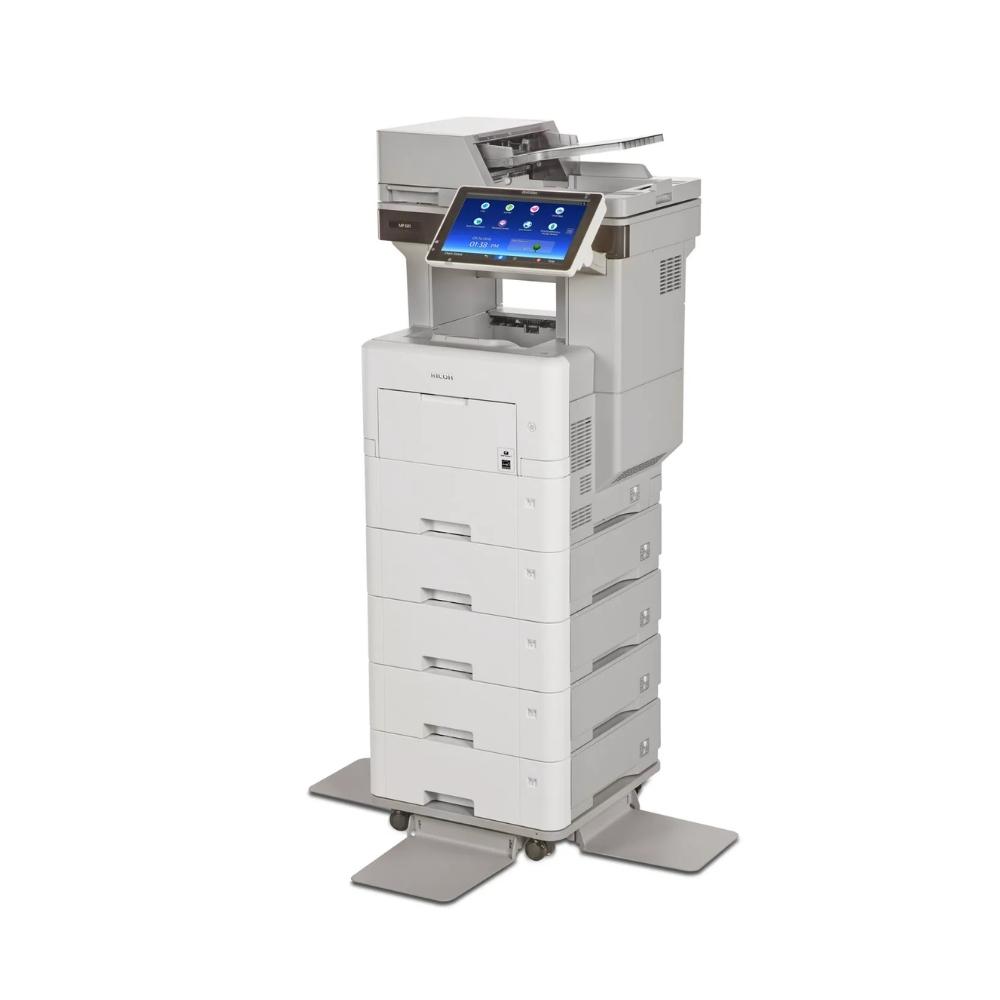
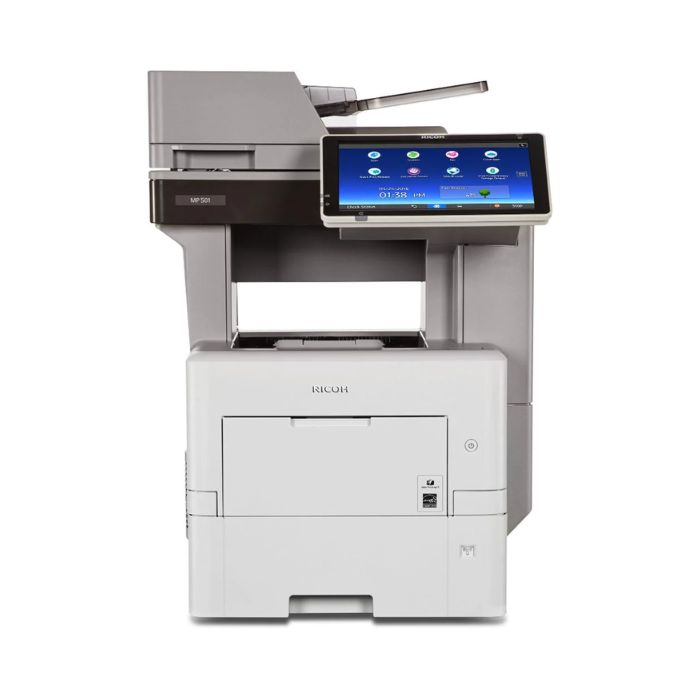
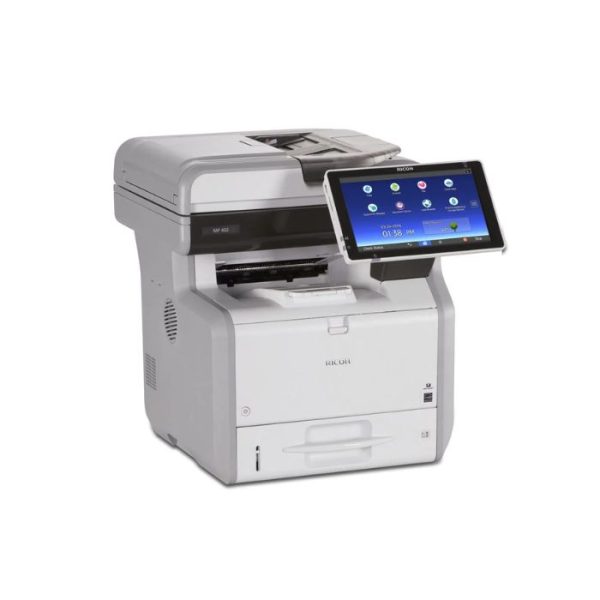
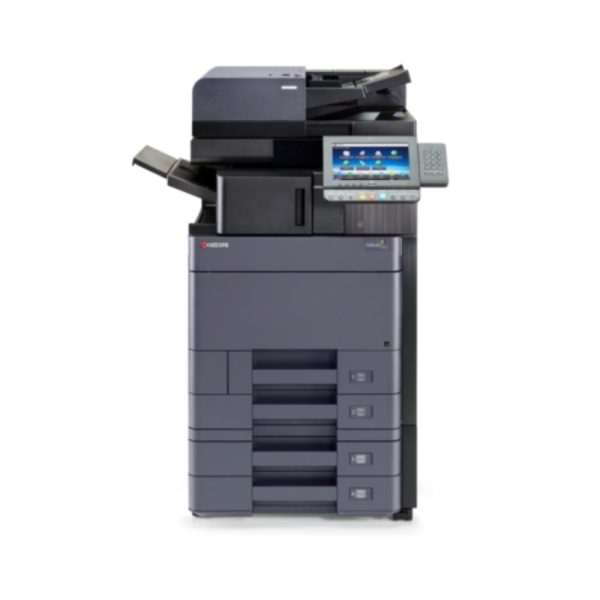
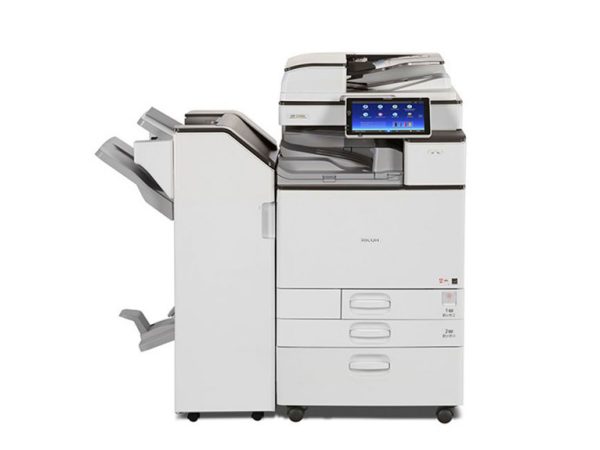
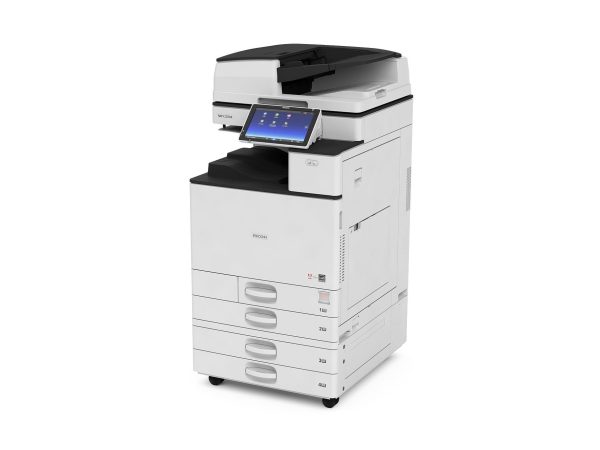
Ricoh MP 501 SPF Monochrome B/W Multifunction Laser Printer Copier Scanner With Large LCD Touch Screen, 50 PPM For Office
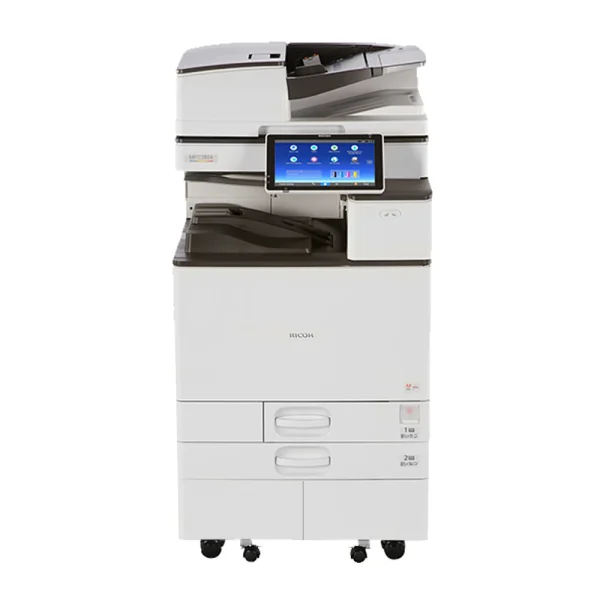
Use the Ricoh MP 501SPF to print forms, invoices, and a wide range of document types at high speeds, copy important meeting notes, scan full-color images and brochures, and fax or distribute information in digital format to anybody, anywhere with a tap of your finger. It all begins with our Workstyle Innovation Technology. Take advantage of an eye-catching, full-color interactive Smart Operation Panel touchscreen to set shortcuts and access important details, so you can be more productive and informed.
- Print up to 62 ppm for productive black-and-white output
- Use intuitive touchscreen controls for easy multifunction operation
- Customize your own workflows and add shortcuts to simplify tasks
- Print and distribute information remotely from your personal mobile device
- Reduce operating costs via a wide range of eco-friendly features
Overview
Find the perfect fit for your office
Your workload isn’t getting any smaller, even if your deadlines and office space are shrinking. Introducing the compact MP 501SPF, a fully featured multifunction printer designed specifically for midsize workgroups that manage a wide range of document tasks. Print and copy up to 8.5″ x 14″ documents and scan originals from a versatile device that can be placed almost anywhere. Or, place it in shared use settings — including PC, Mac, and host printing environments — to improve everyday workflows. Take advantage of extensive fax capabilities to transmit important contracts and other documents digitally and avoid typical transmission costs. In fact, faxes can be sent directly to your email inbox, so you don’t have to repeatedly check for received faxes at the device.
Be more productive with everything you do
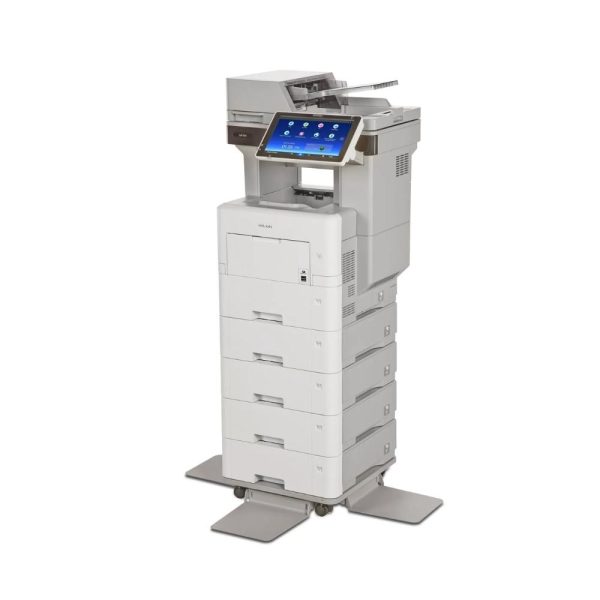
Every day brings something different. Be ready for all of it with the MP 501SPF. Print a wide range of documents at up to 62 pages per minute and transition between jobs quickly. Copy handwritten notes clearly with sharp lines and precise text up to 1200 x 1200 dpi. Scan black-and-white or full-color originals and share them immediately with a host of Scan-to capabilities. Add optional paper trays to extend the paper capacity up to 2,600 sheets for fewer interruptions. Besides toner replacement, the device is designed specifically to be almost maintenance-free, so you can spend less time replenishing supplies and more time on accomplishing tasks.
Keep moving, keep working
Being out of the office shouldn’t keep you out of the loop. With the Ricoh Smart Device Connector app, you can use your Android or iOS smartphone or tablet to access, manage and move information easily. Connect directly to the MP 501SPF with Near Field Communication (NFC), Bluetooth, or by scanning the QR code displayed on the control panel. Grab information from your personal device or favorite cloud application and print it without utilities, software, or drivers. Share digital files from the multifunction device just as easily. Scan originals, send them to your phone, and share them with recipients in your personal address book via a wide range of Scan-to capabilities almost instantly. You can even carry your work with you by printing from or scanning to a USB/SD card that can be plugged directly into the device.
Make your work more personal
Put your own touch on every project
Take advantage of what you know to simplify how you work. Use Workstyle Innovation Technology to customize the user interface with one-touch workflows and shortcuts that help you complete jobs faster with more accuracy. Begin basic functions, such as copying and printing, with one-touch controls. Choose from a wide range of embedded apps to simplify more complex workflows. Each app includes critical selections for specific jobs so you can make smarter workflow decisions. Make adjustments instantly with a swipe or tap. Do you distribute the same reports regularly? Create a workflow shortcut that automates many of the manual steps, so you can save time by reducing redundant entries on the touchscreen. You can even download additional apps from the Ricoh Application Site and place them on the Home Screen as information-displaying widgets.
Find everything you need in one place
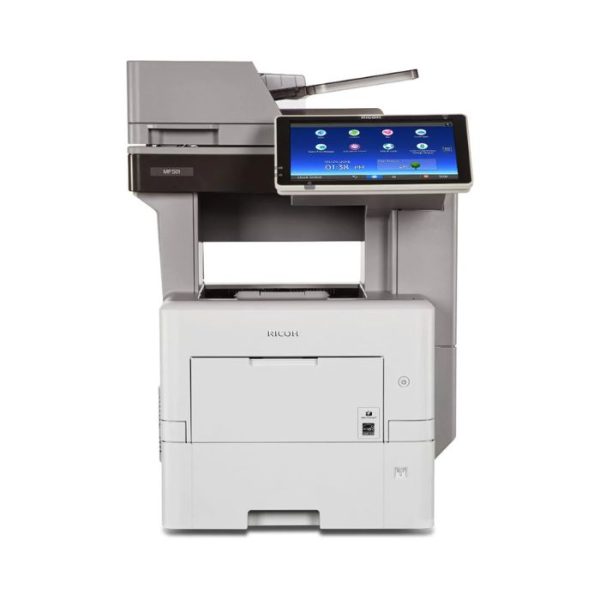
The less time you spend searching for information, the more time you have to use it to your advantage. The MP 501SPF features an impressive 10.1″ touchscreen operational panel that gives you immediate access to every detail — including settings, usage, administrative controls, scan-to recipients, workflows, and much more — available at your fingertips with a single swipe, flick, or tap. All hard keys have been removed, so you can toggle between jobs and tasks using the same familiar controls you use on your smartphone or tablet. Customize the user interface to simplify navigation via intuitive drag-and-drop workflow icons and find critical information immediately. The MFP even includes an embedded web browser, so you can access web pages directly from the Internet and print them as PDFs.
Make productivity simple
Make your workday more personal while doing less of the work. Use the MP 501SPF to perform a wide range of document management tasks automatically. Click on the ID Card Copy app to scan both sides of drivers’ licenses, insurance cards, and other forms onto a single side of a sheet of paper for easier viewing. Opt for embedded Optical Character Recognition (OCR) scanning, so you can place metadata on images and PDF files and retrieve them quickly via keyword searches. You can also store frequently used documents locally on the embedded hard disk drive, find them in the Document Server and release them with a single tap for on-demand printing. Pair the MFP with your choice of workflow software, including Ricoh Streamline NX and Device Manager NX for tracking and authentication, to maximize automation and expedite workflows even more.
Be the one responsible for improving workflow
Take charge of security controls
With user authentication, you’re always in control of your most sensitive information. Users can log into the device via passcode or billing code — or bypassing an identity card by the optional NFC card reader. You can track each user and all output remotely. You can set print quotas. You can even issue chargebacks to specific workgroups or individuals when you add optional accounting software such as Ricoh Device Manager NX Accounting. Use the Locked Print function to prevent documents from being left unattended in the output tray. Release them only after the authorized user authenticates at the device. For even more security, the hard disk drive provides powerful encryption and the built-in DataOverwriteSecurty System (DOSS) overwrites any latent images left on the hard drive.
Conserve your energy and paper
Some things are out of your control. Fortunately, there’s the MP 501SPF with its wide range of eco-friendly, energy-saving features to reduce Typical Electricity Consumption (TEC) for you. For example, Sleep Mode reduces energy usage when the MFP is unused for extended periods. Or, you can program the device to turn on and shut down at predetermined times to conserve energy for even greater savings. Want to reduce paper costs? Set duplex printing as the default, even for legal-sized paper.
Perform administrative tasks from anywhere
Be proactive to stay productive. Perform a wide range of administrative tasks remotely. With Ricoh Device Manager NX or Ricoh Web Image Monitor, you can monitor usage, configure the device and add updates from anywhere via a web browser. When you need to update print drivers, simply install Ricoh Device Software Manager and automate the process in only moments. Collect important device details and automate service calls with Ricoh @Remote. Monitor the device in real-time, automatically collect meter readings and take advantage of automated service alerts to react quickly. When you need outside help, give our trained technicians a call. We can even access your user interface remotely to expedite troubleshooting.


Reviews
There are no reviews yet.